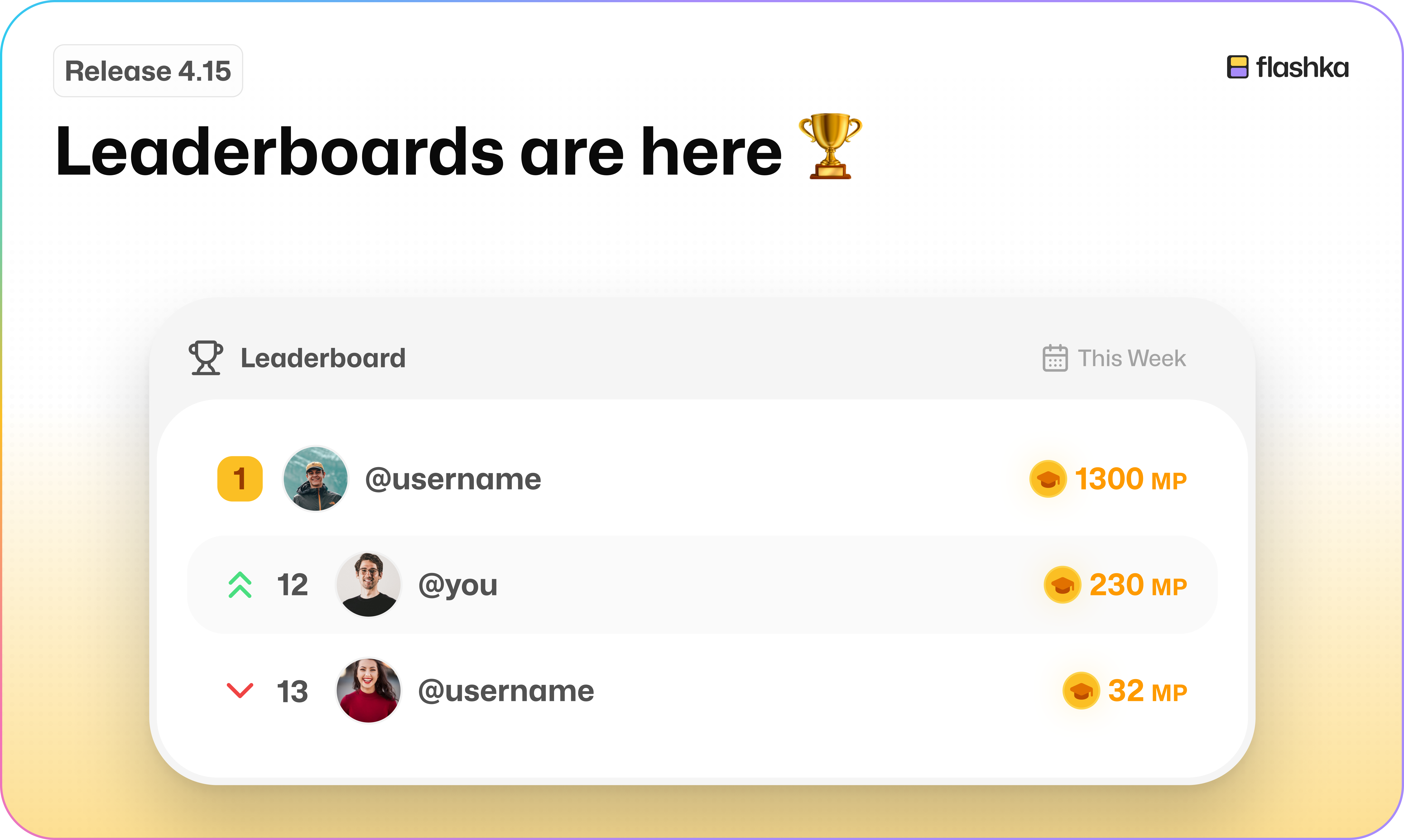
Flashka 4.15: Leaderboards Are Here 🏆
Hey Flashka fam! 👋
Studying on Flashka just got more social, and a lot more competitive 👀
This update is all about studying together: leaderboards, mastery points, and two new widgets that bring us one big step closer to your automatic study planner.
Let's dive in 👇
1. Leaderboards in Study Groups 🏆
@Kuba (Software Engineer @Flashka) Cooked something spicy…
Open or create a study group and you'll spot a brand new ranking.
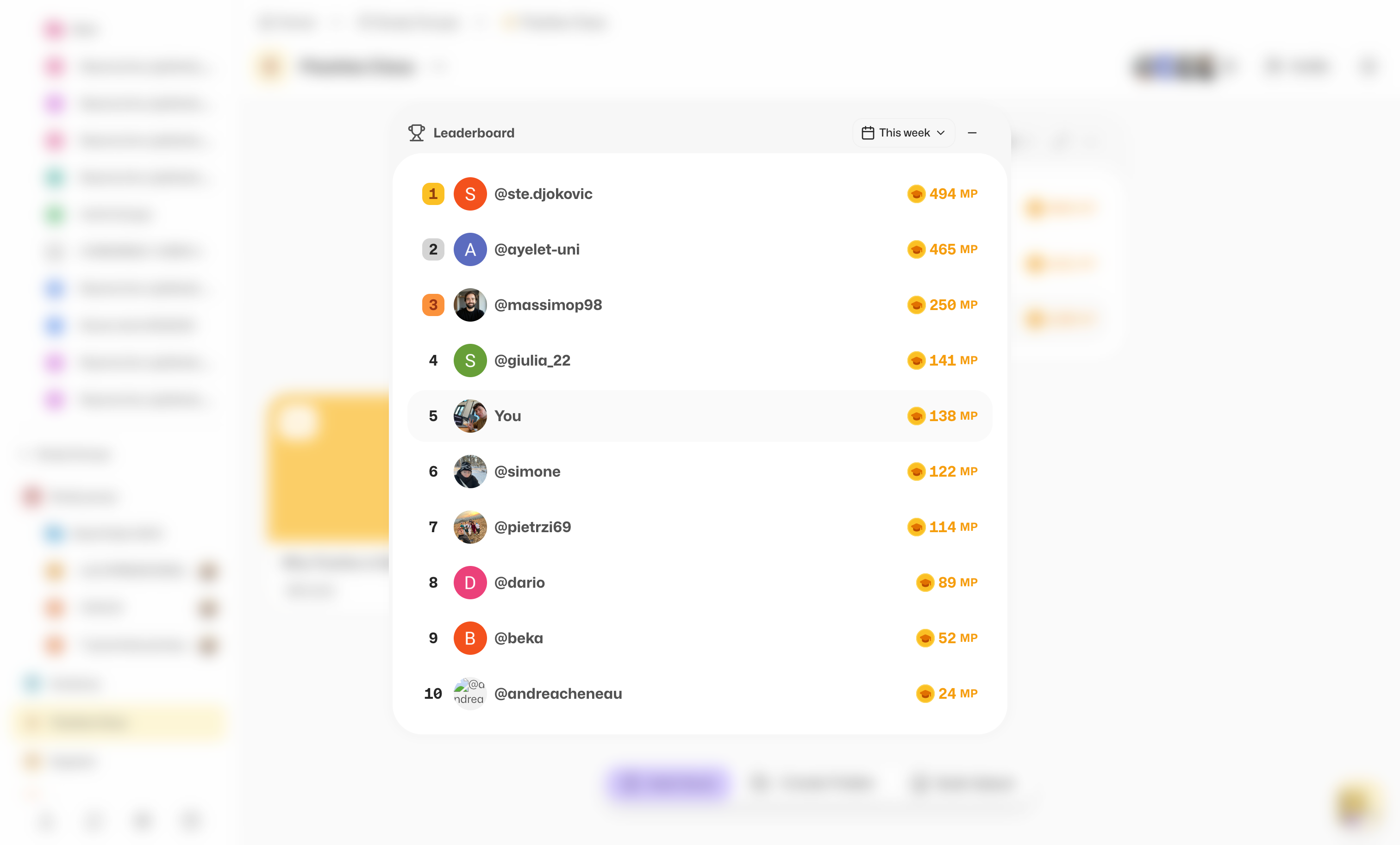
Now you can see who's putting in the most work, and go head to head with your friends for the top spot. Your rank is based on mastery points (more on those in a second).
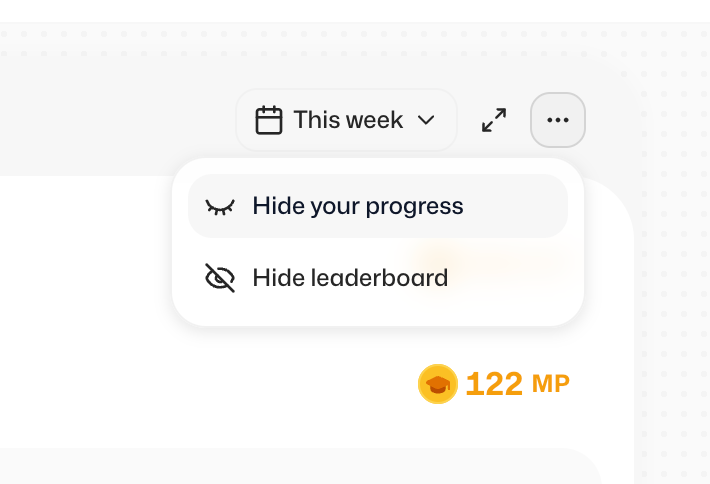
Want to keep your head down?
You can hide the leaderboard, or just your own progress, at any time, and switch it back whenever you like.
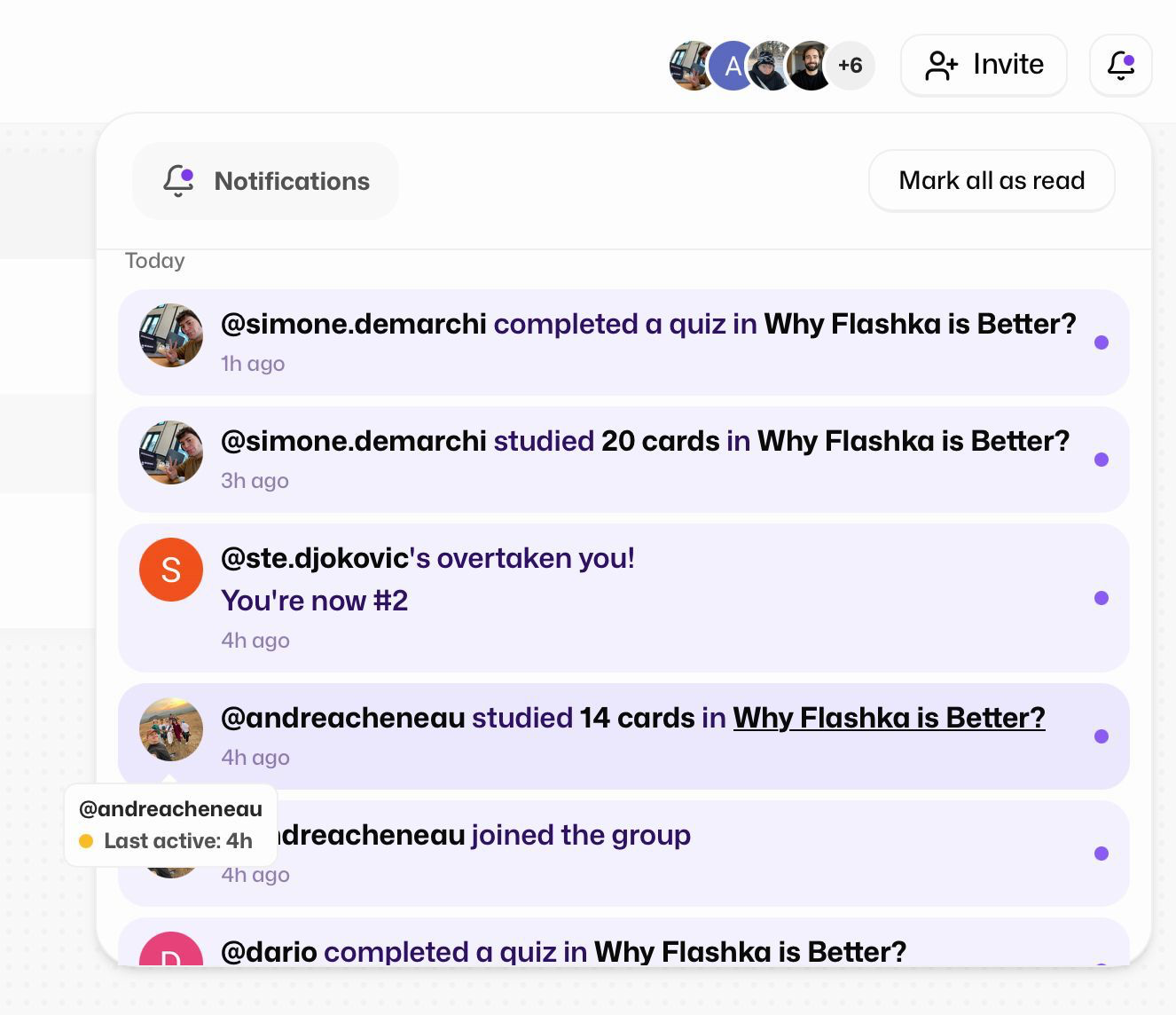
And you'll always get a notification when something changes, so you know the moment a friend overtakes you.
2. Mastery Points 💎
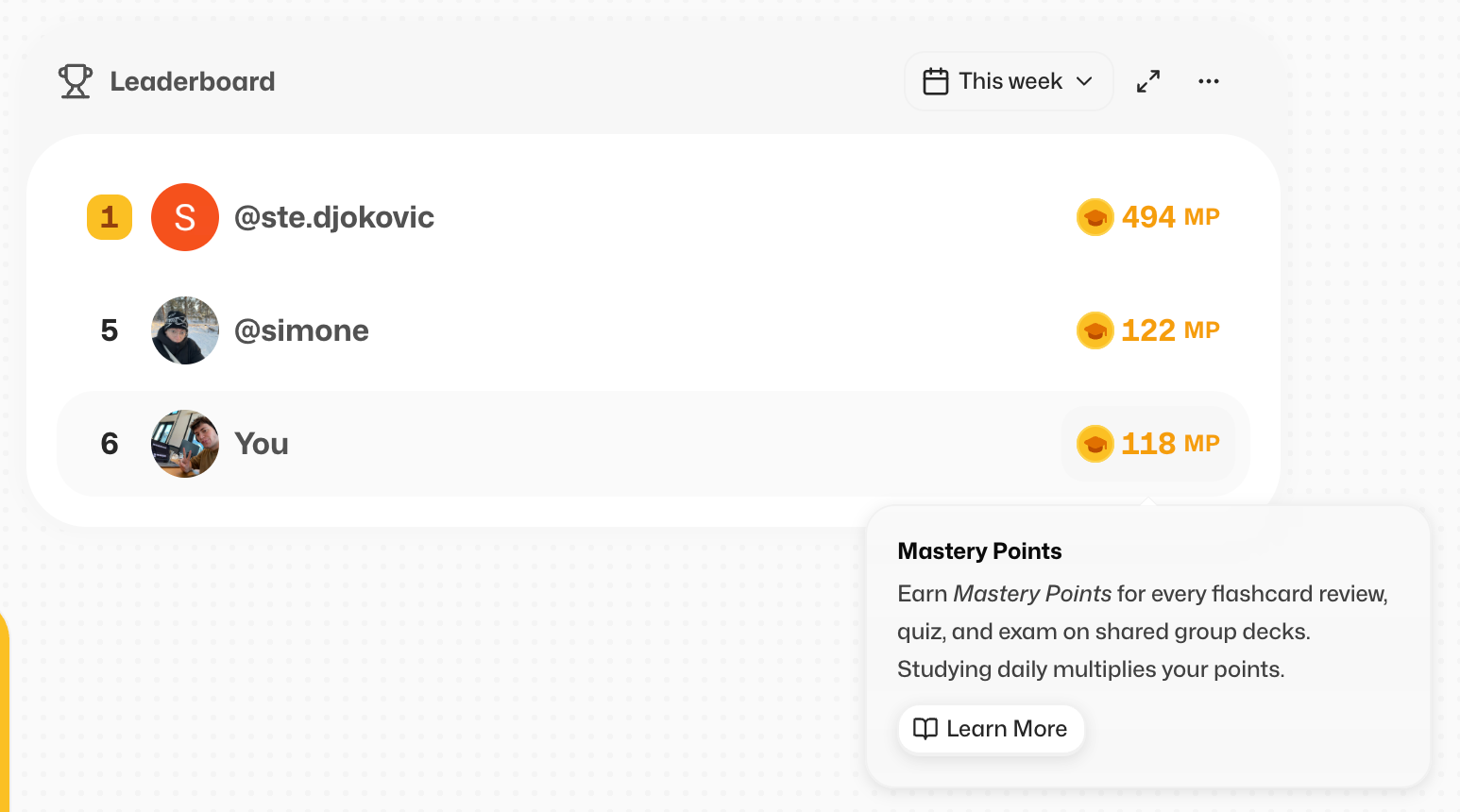
Mastery points are the new way to show off your progress to your friends.
While you study, and at the end of every session, you'll see exactly how many points you earned and how your leaderboard spot moved.
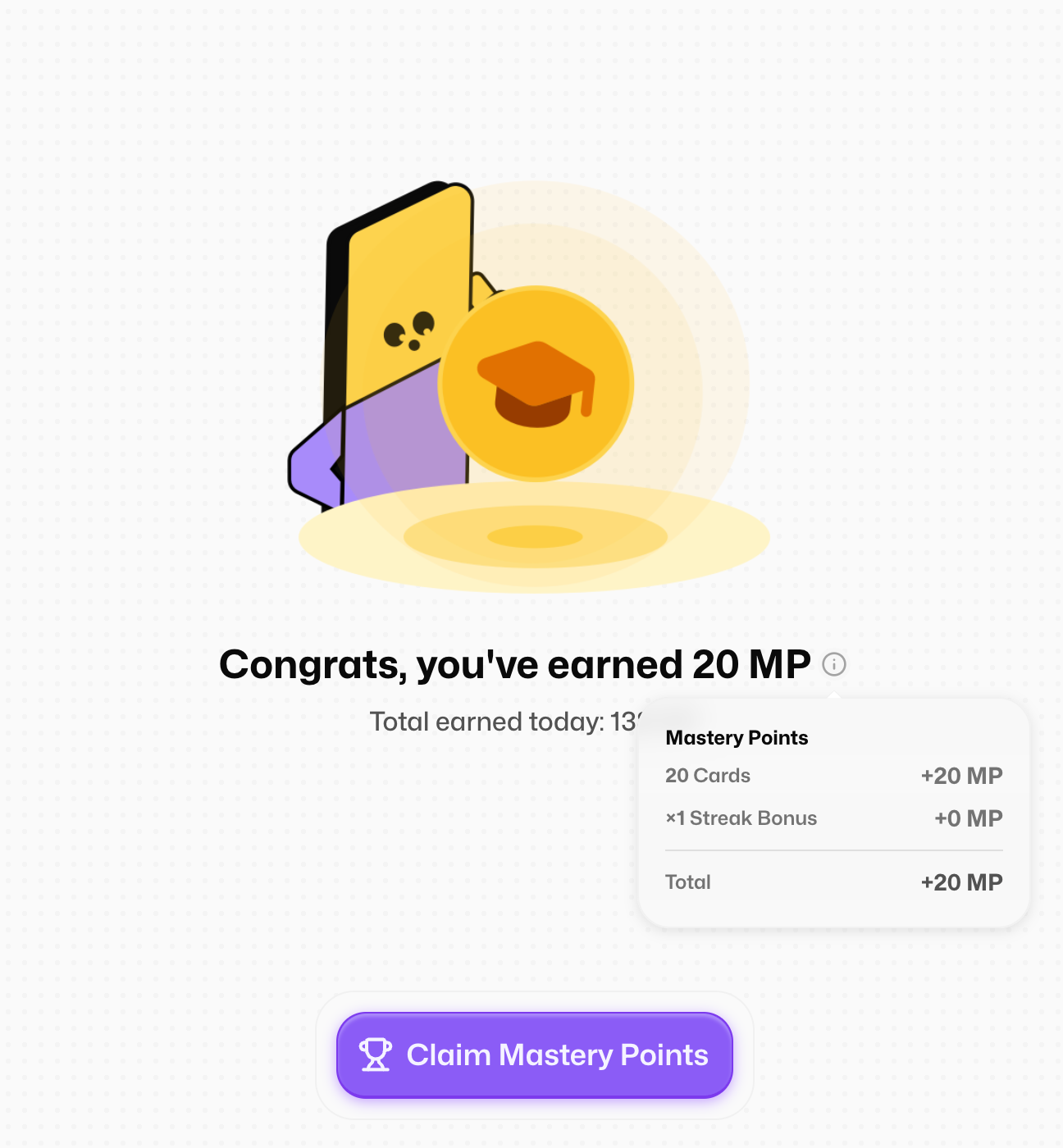
That's the short version.
Want the full breakdown of how points work?
Take a deeper look here:
https://flashka.featurebase.app/en/help/articles/6765376-mastery-points
3. Plan Your Studying: Calendar + To-Do Widgets 🗓️
Flashka is becoming the place where you plan your studying too, not just get it done. So we're adding two new widgets.
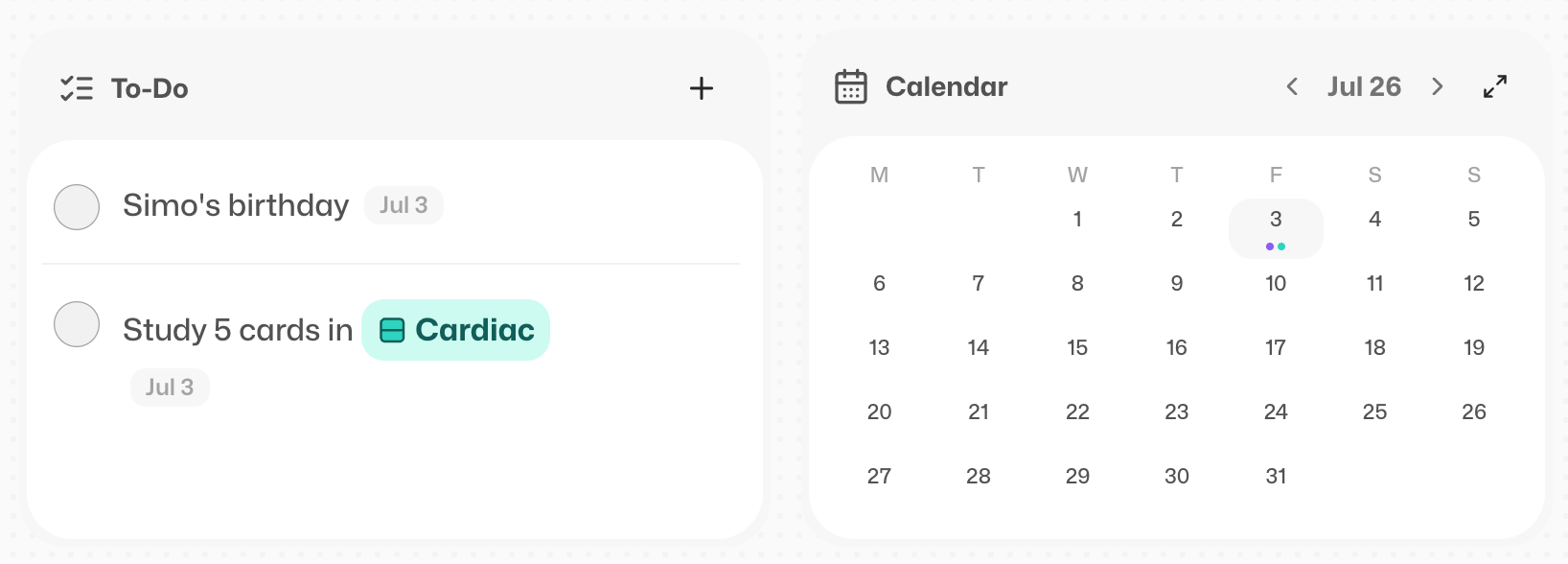
With the To-Do list you can add tasks, tag decks, set a date, and make them repeat.
The Calendar does the same, but lays everything out visually so you can see your week at a glance.
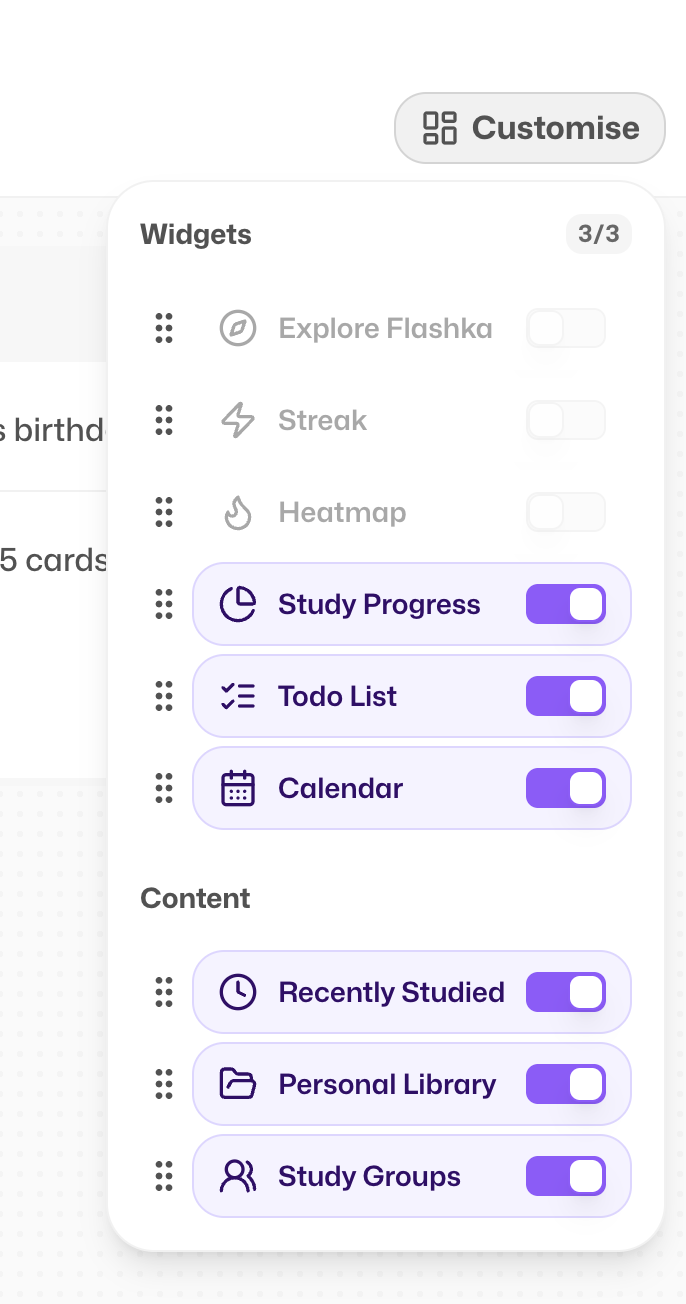
Remember that you can personalise your widgets by clicking here:
And this is just the first step towards your automatic planner “wink wink”
4. Widgets, Now in the App 📲
Your widgets just followed you onto mobile, they're live in the Home section of the app.
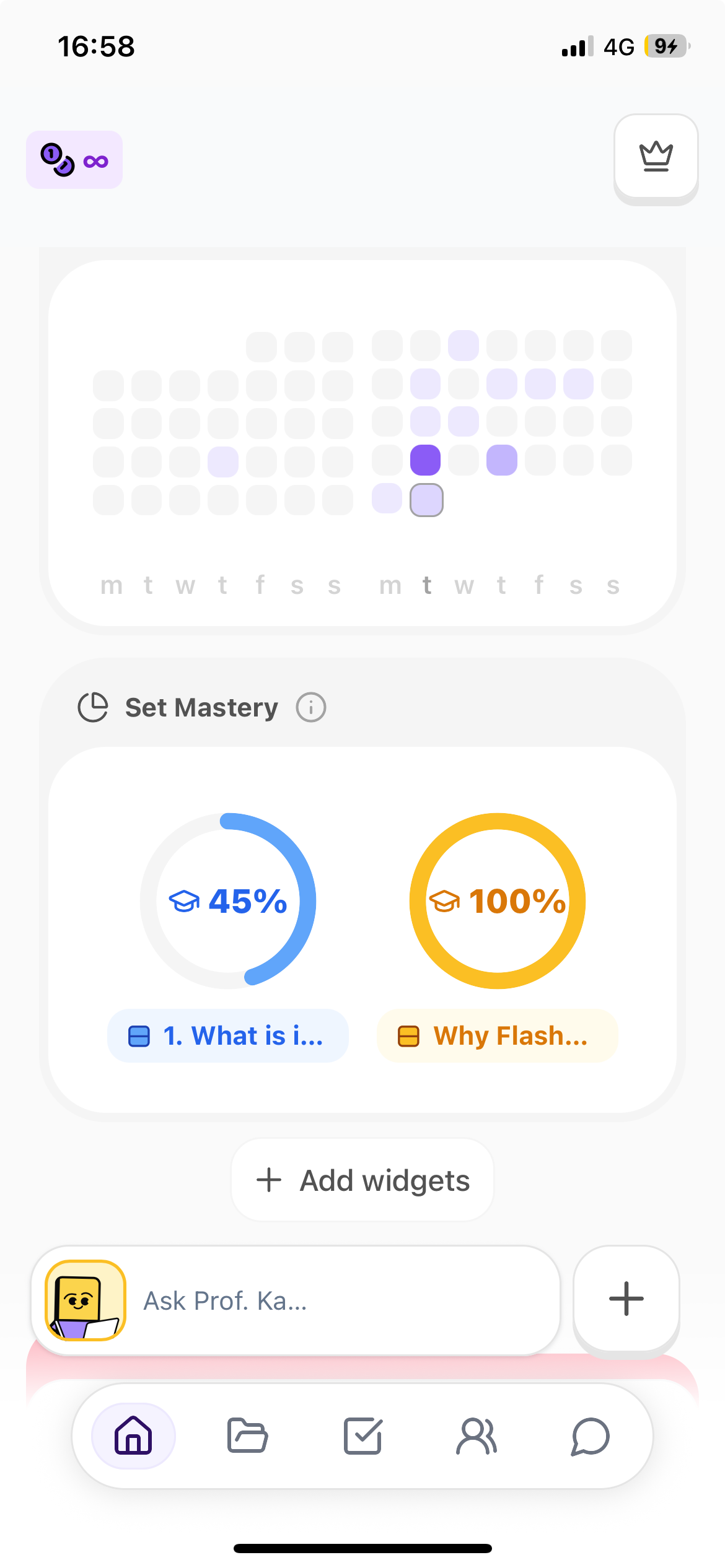
Tap the button (or a widget itself) to add one, then drag and drop them into whatever order you like.
Everything syncs across web and all your other devices, so your setup is always the same wherever you study.
Shout-out to @Ayelet Wasserman for these amazing widgets!!
Coming Soon @Flashka 💜
As always, you decide 🫵
Drop a comment with the one you want next:
Case Studies mode (clinical, law, math exercises, and more) 📚
Calendar to plan your study sessions 📅
More widgets (Pomodoro timer and friends): suggest yours in the chat!
Flashka News 📰💜
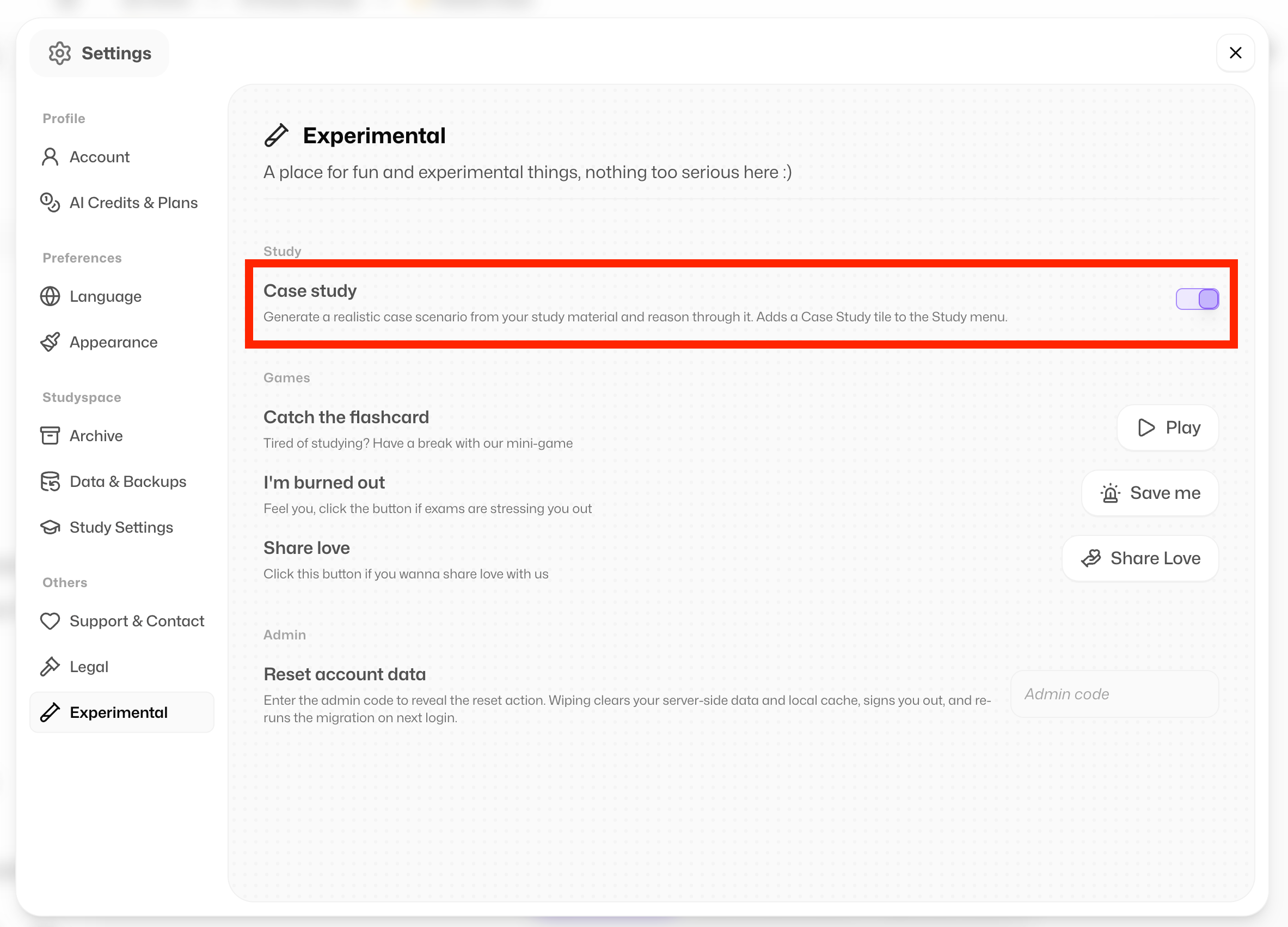
Here's the exciting bit: your next big feature, Case Studies, is already here to try 👀
Just head to Settings > Experimental and toggle Case Studies on.
You'll find them when you study a deck.
It's still in alpha, so expect a few rough edges, any feedback is hugely welcome 🙏🏻
Fancy a chat about it?
📞 Book your slot here:
https://cal.com/simoneflashka/have-a-chat-with-me-get-life-time-access
So go fire up your study groups and find out who really studies the hardest 🏆
And let us know if there's anything else we can build to make studying together even better!
Happy studying ✨
Simo & The Flashka Team 💜