Flashka 4.9 - Notes Are Here ✍️📄 (and they change everything)
Hey Flashka fam! 👋
This one is a big step.
You can now take notes directly inside Flashka, generate them with AI, turn them into flashcards, and actually see what you’ve covered and what not.
Notes are no longer something outside Flashka.
They’re now part of your study flow.
Let’s dive in 👇
Notes Inside Every Deck ✍️
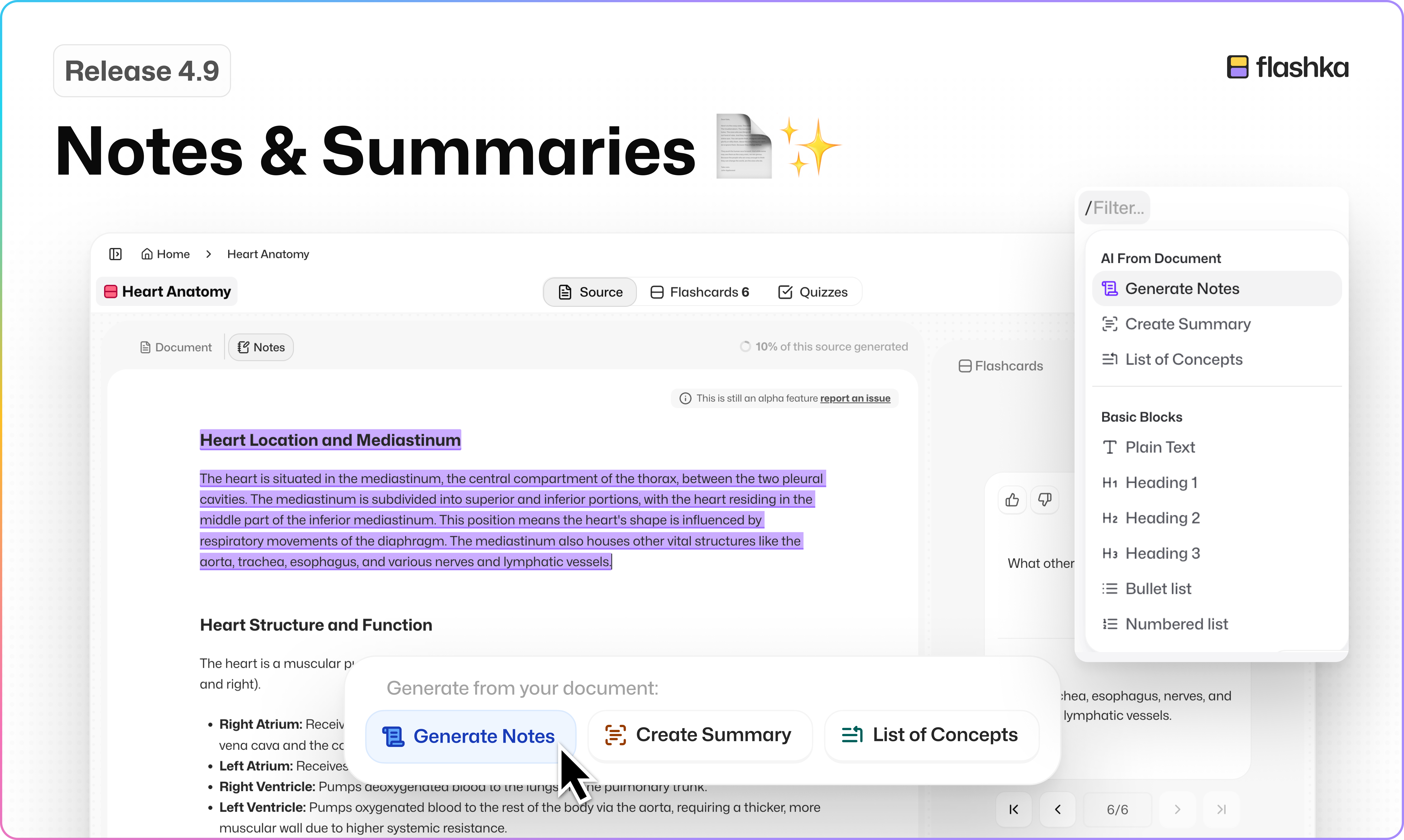
You’ll now see a new Notes tab next to your document.
It’s a full editor where you can:
Write and organise your notes
Format text (titles, lists, checklists, etc.)
Reorder things easily
Just type “/” to access quick actions
Everything is auto-saved and synced, so your notes are always there.
And yes, this works with documents, PDFs, and transcripts (including YouTube).
Generate Notes with One Click 🤖✨ (AI features)
Don’t feel like writing from scratch?
When your notes are empty, you can:
Generate full notes from your document
Create a summary
Extract key concepts
What other AI feature would you like to see here?
Turn Notes into Flashcards Instantly 🃏
This is where it gets powerful.
Highlight any part of your notes → generate flashcards
Or write your own card directly from a note
You’ll also see:
Which parts are already turned into cards (highlighted)
A coverage % showing how much you’ve converted into flashcards
Click a flashcard → jump back to where it came from in your notes.
Everything is connected.
Transcripts Are Editable 🔈→📄
Even if your content comes from audio or video, you can now:
Edit the generated notes
Clean them up
Personalise them
So you always have both:
The original transcript
Your own refined notes
Cleaner PDF + Study Layout 📄✨
We improved the layout so:
Your document scrolls independently
Your flashcards stay in place
Less confusion, better focus when studying long documents.
Share Decks with Notes 🔗
When sharing a deck, you can now include your notes too.
Others can read them (read-only), so you can:
Share summaries
Study together
Send clean material to friends
Flashka News 📰💜
This is just the beginning.
Coming soon:
Study Groups (collaborative mode) 👥
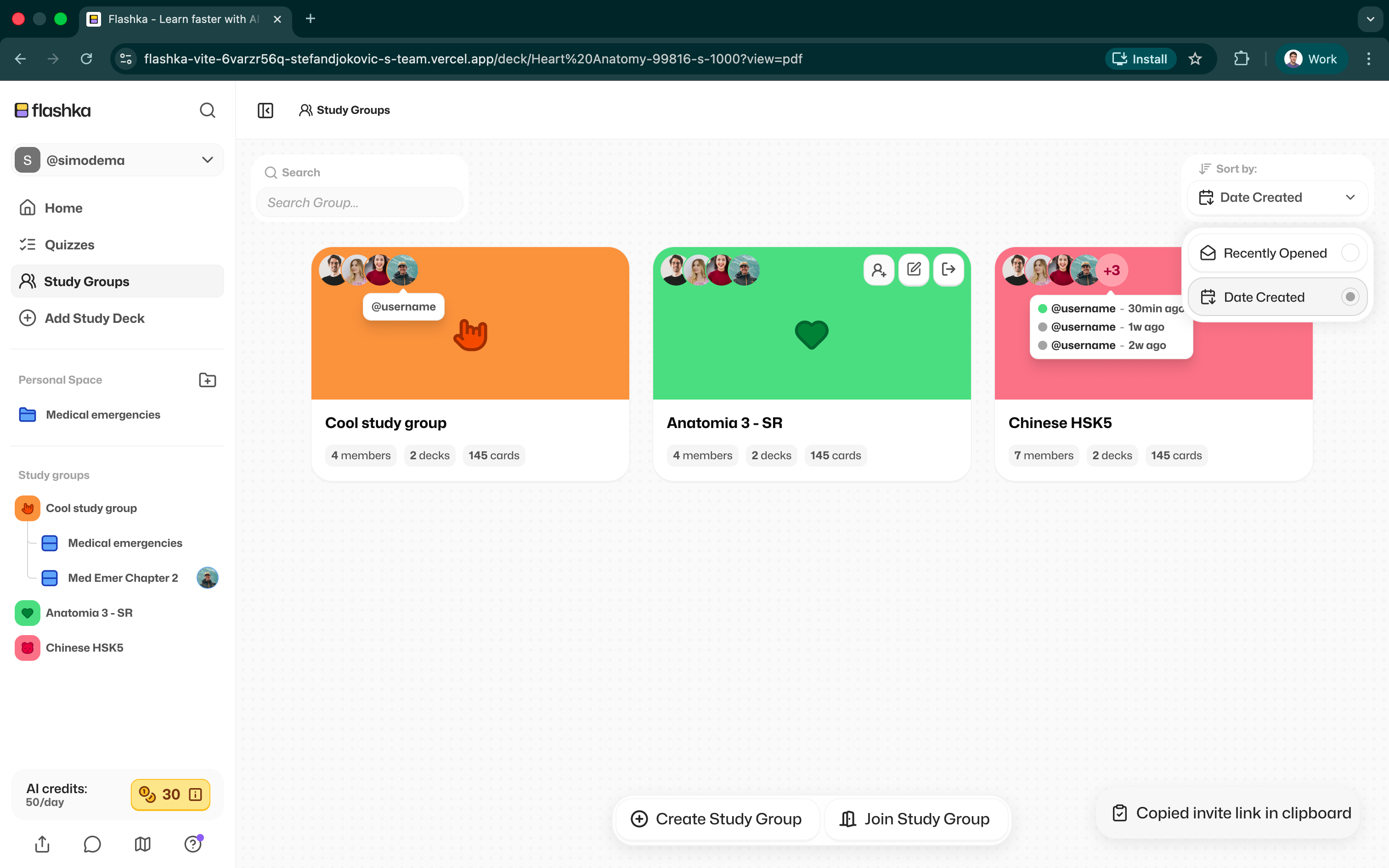
Study groups sneak peek 👀 Drag & drop organisation for decks and folders 🗂️
check the Roadmap for more
Also… we’re super curious:
👉 What would you love to have inside Notes?
Drop your ideas here, we’re building this with you.
That’s it for this one.
Try Notes, generate something, break it, shape it, make it yours.
This is a whole new way to study.
Happy studying ✨
— Simo & The Flashka Team 💜